WikiMapping
WikiMapping is an interactive mapping platform built for planners, municipal leaders, and the public. Collect location-based feedback, run surveys, and present results — all in one place.
Everything you need to run a map-based engagement project, from setup to presentation.
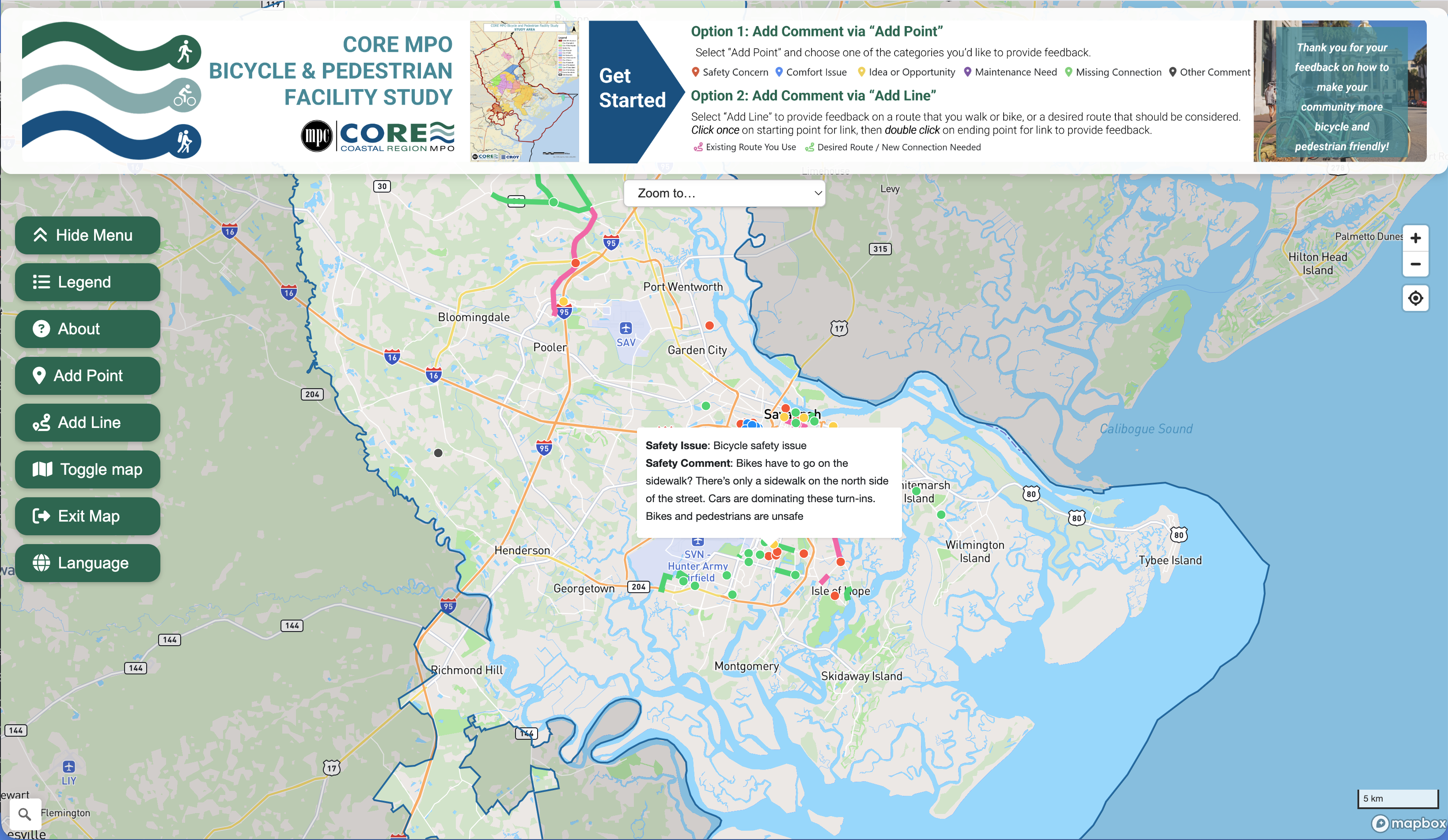
The public drops points, draws lines, and marks areas directly on the map — no GIS skills required.
Link custom survey questions to any map feature. Responses are automatically tied to the geography.
Enable comments on features so the public can discuss specific locations and build on each other's ideas.
Full-text search across descriptions, categories, and survey responses. Filter the map to show only what matters.
Build slide-based presentations that walk through key locations on the map — perfect for council meetings.
Download everything as GeoJSON, CSV, or Shapefile. Your data stays yours and works with standard GIS tools.
Get from idea to insight in three steps.
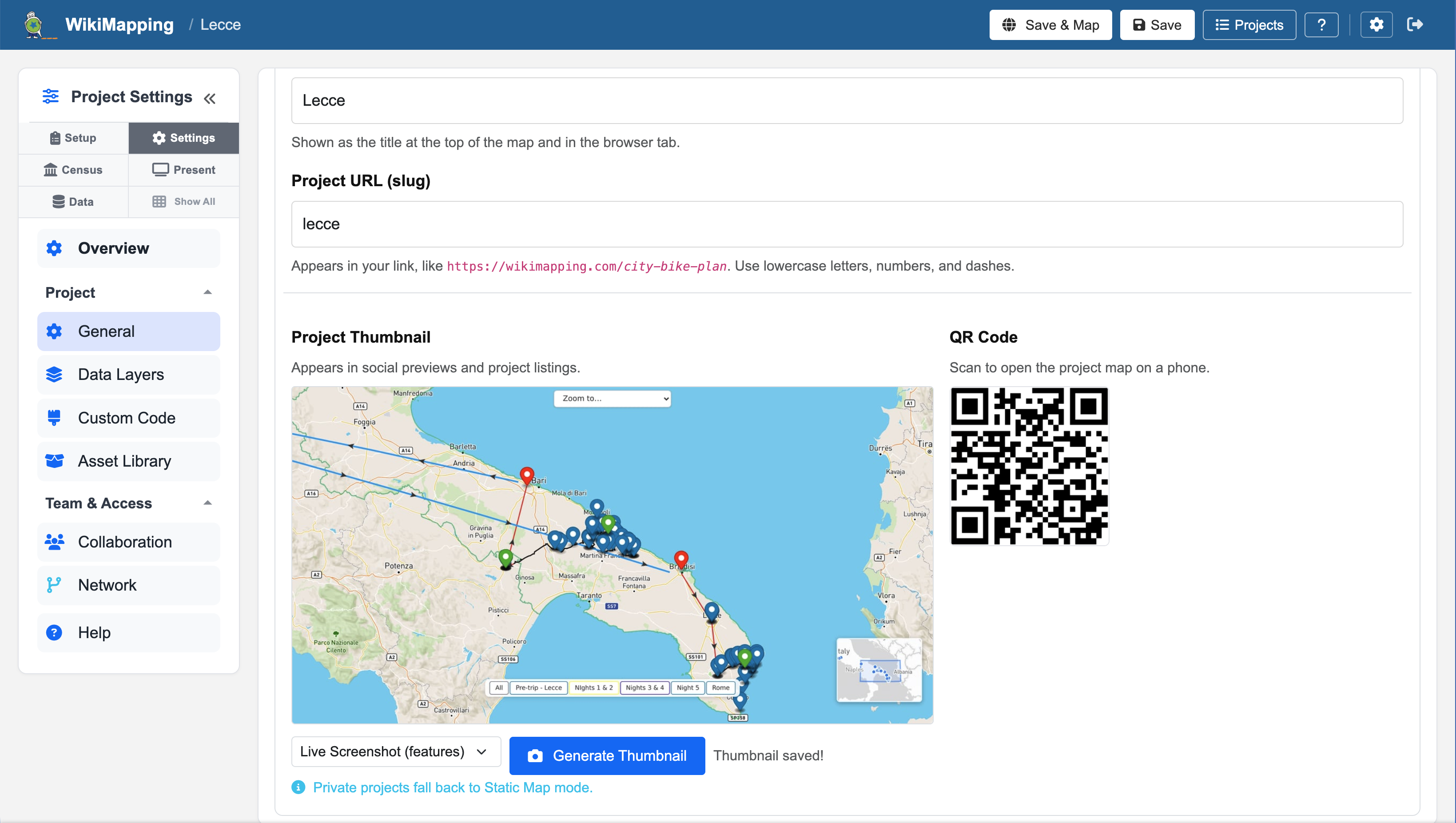
Choose a project area, define categories and icons, and configure the surveys you need.
Send the public a single URL. They add features to the map and answer your survey questions.
Walk stakeholders through the results with built-in presentations, or export to your GIS.
WikiMapping supports the people working to make communities safer, more connected, and more heard.
Run public comment periods, track infrastructure requests, and present findings to council.
Map bike routes, pedestrian concerns, and transit gaps. Collect input from the people who use the roads.
Give residents a voice. Gather place-based stories and priorities that support grant applications and advocacy.
This is a live demo project. Click the map to drop a point, draw a line, or explore existing features.
This is an interactive map — zoom, pan, and click features to see details.
Features that make your projects more accessible and your data more useful.
Translate the entire map interface — descriptions, surveys, and modals — into your visitors' preferred language.
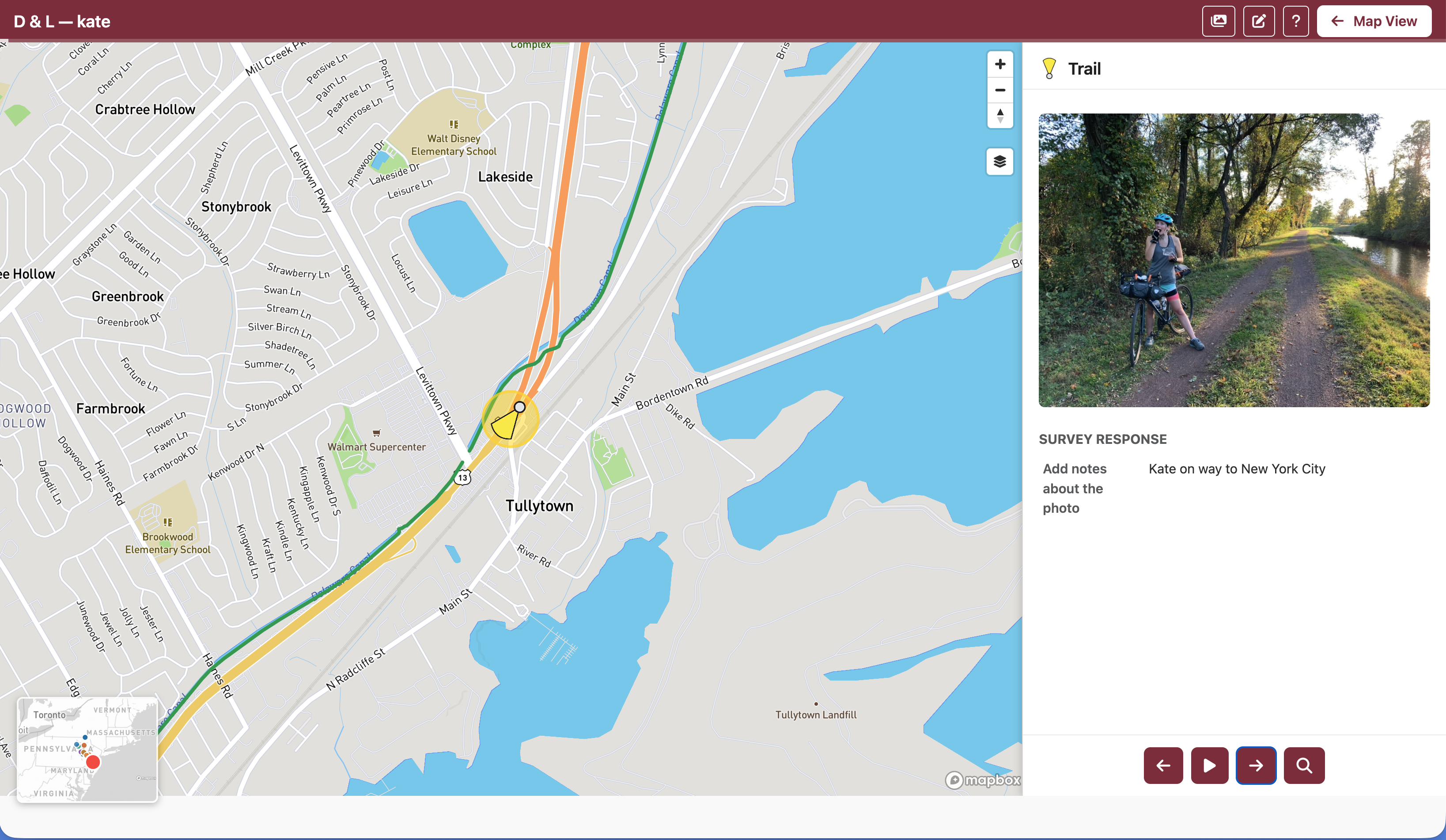
Let the public contribute geotagged photos from their phone, placed automatically on the map.
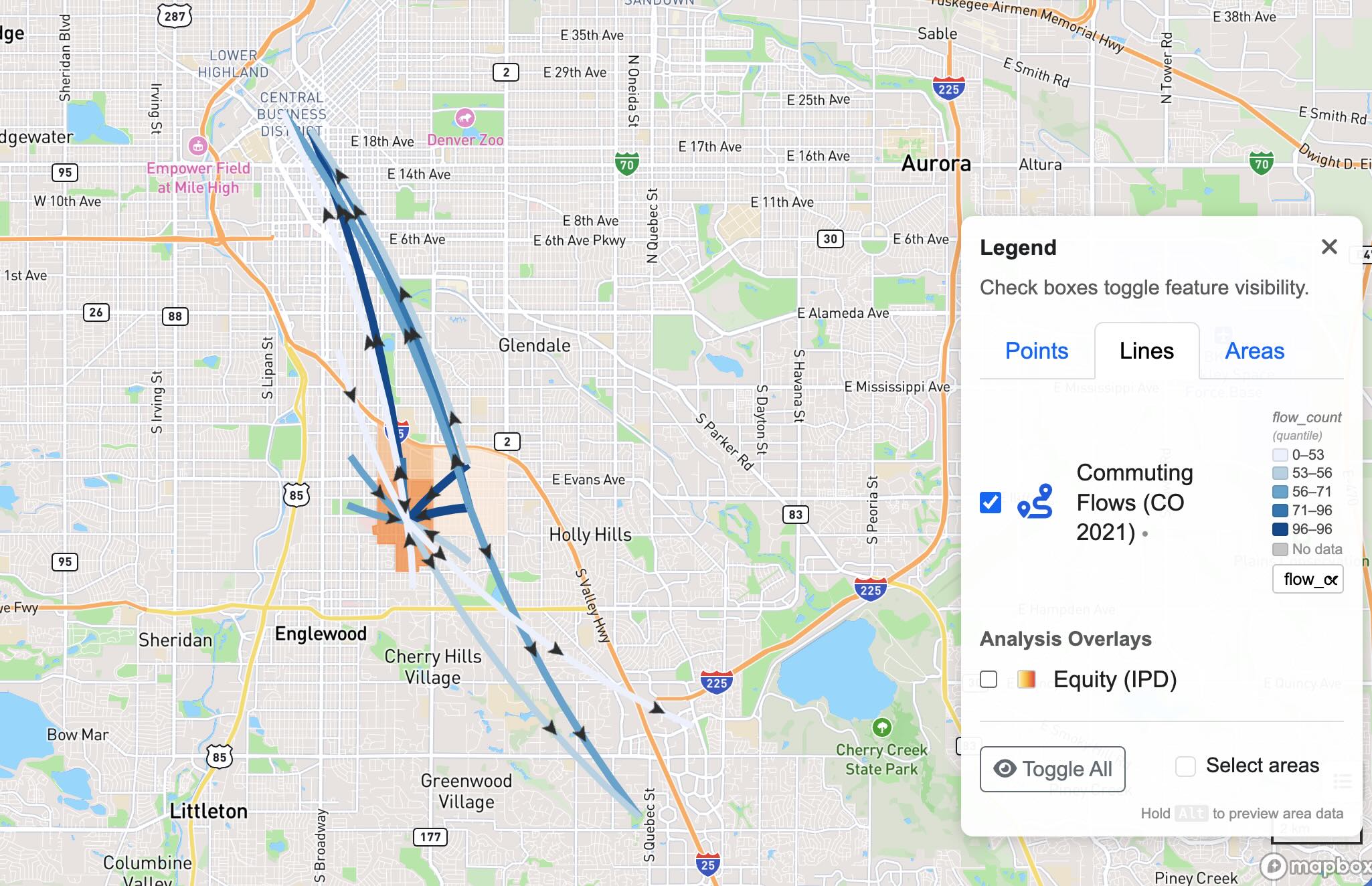
Organize categories by geometry type. Toggle layers on and off to focus on the data that matters.